Mobilador X

Play Android games with a keyboard and mouse — activation, keymapping, HUD codes, tutorials and tested gear, all explained in simple language.

Get our tested keymap & HUD

Import our ready-made layout in seconds instead of placing every button by hand.

Follow us on

Supported keyboard & mouse apps

These are the six applications we test, use and write guides for.

GG Mouse Pro

Keyboard & mouse mapping app

K2er

Keyboard & mouse mapping app

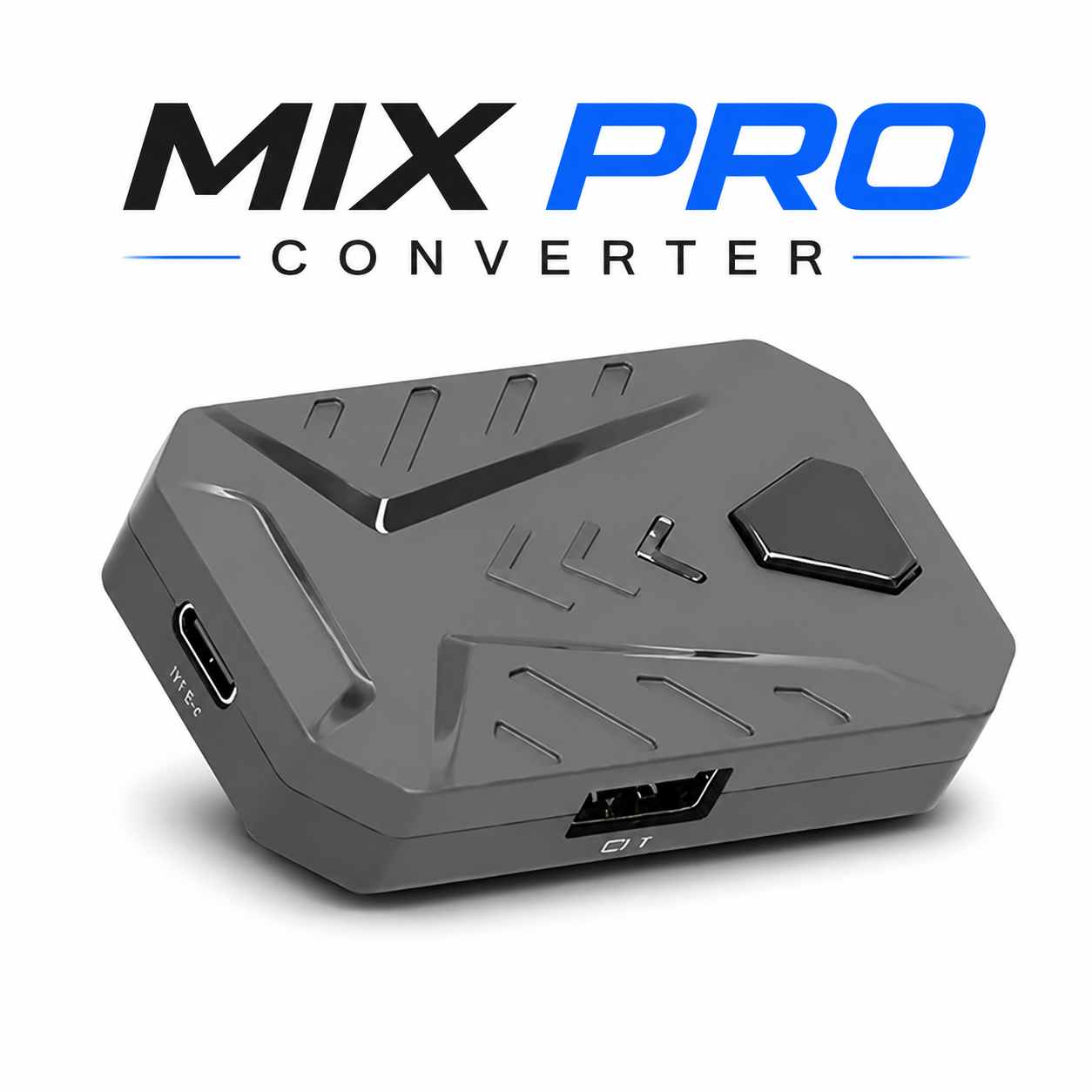
Mix Pro Converter

Keyboard & mouse converter

Panda Mouse Pro

Keyboard & mouse mapping app

MooWii Gaming

Keyboard & mouse mapping app

Geek Gamer

Keyboard & mouse mapping app

About each application

What every app does, how it works and where you can download it.

GG Mouse Pro

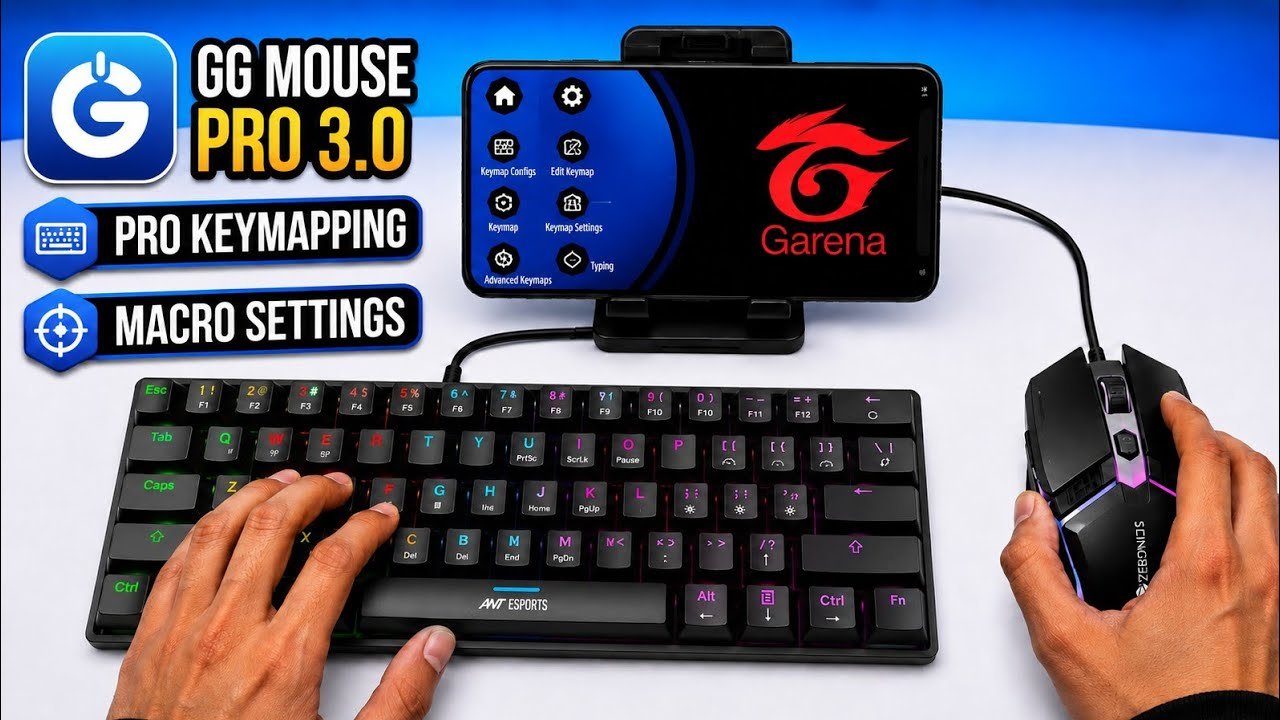
GG Mouse Pro is a keyboard and mouse mapping application designed for Android gaming. It allows players to use a physical keyboard and mouse with supported mobile games instead of relying only on touchscreen controls. The app works by mapping keyboard and mouse actions to the controls that appear on the phone's screen. This can be useful for players who are more comfortable with PC-style controls or want a different way to play mobile games. GG Mouse Pro is mainly used with games where quick movement, aiming, and button control are important. It has become a commonly used option among Android players who connect external gaming accessories to their phones. Overall, GG Mouse Pro provides a way to bring keyboard and mouse controls into supported Android games.

K2er

K2er is a keyboard and mouse mapping app made for Android users who want to play mobile games with physical controls. It provides a simple way to connect keyboard and mouse inputs with the touch controls used by supported games. The app is mainly useful for players who prefer PC-style controls while playing games such as shooters and battle royale titles on their phones. K2er focuses on keeping the setup simple, so users can create a control layout without dealing with too many complicated options. It can also be useful for players who are looking for a lightweight mapping solution for their Android device. Overall, K2er gives mobile gamers another option for using a keyboard and mouse instead of relying completely on touchscreen controls.

Mix Pro Converter

Mix Pro Converter is a hardware-based solution that allows Android users to connect a keyboard and mouse to their phone for mobile gaming. Instead of using only a software-based keymapping app, the converter works as a separate device between the phone and the keyboard and mouse. The Mix Pro Converter is available in two versions, Mix Pro and Mix Pro+, and each version uses a different companion application. Mix Pro works with the Geek Gamer app, while Mix Pro+ requires the Moowii Gaming app for its setup and controls. These converters are mainly used by players who want to use physical keyboard and mouse controls while playing supported mobile games. The setup may vary depending on the model and phone, but once everything is connected correctly, the converter provides a straightforward way to use external controls for mobile gaming.

Panda Mouse Pro

Panda Mouse Pro is a keyboard and mouse mapping app for Android that was once very popular among mobile gamers. It allows users to connect a keyboard and mouse to supported mobile games and use them instead of relying only on touchscreen controls. The app became well known because it gave players an easier way to create keyboard and mouse controls for their games. Panda Mouse Pro is mainly used by players who prefer PC-style controls while playing games on Android. It is available on the Google Play Store and has been used by many Android gamers over the years. Although there are now many other keymapping apps available, Panda Mouse Pro is still remembered as one of the older and well-known options in this category.

MooWii Gaming

MooWii Gaming is a keyboard and mouse gaming app designed for Android users who want to play mobile games with physical controls. The app is used with the **Mix Pro+ converter**, which connects the keyboard and mouse to the phone and works together with MooWii Gaming. After connecting the Mix Pro+ converter, users can use the app to set up their keyboard and mouse controls for supported games. MooWii Gaming is mainly useful for players who want a simple way to use external controls instead of playing only with the touchscreen. The app is specifically made to work with the Mix Pro+ setup, so the converter is required to use MooWii Gaming for this purpose. Together, Mix Pro+ and MooWii Gaming provide a simple keyboard and mouse setup for Android gaming.

Geek Gamer

Geek Gamer is a keyboard and mouse gaming app for Android that is used with the **Mix Pro converter**. The converter connects the keyboard and mouse to the phone, while the Geek Gamer app is used to set up and manage the controls for supported games. It allows players to use physical keyboard and mouse controls instead of relying only on the touchscreen. The app is mainly used with the Mix Pro setup and is designed to make keyboard and mouse gaming on Android easier to manage. To use Geek Gamer for this setup, you need the **Mix Pro converter** along with the app. Together, the Mix Pro converter and Geek Gamer provide a simple way to use a keyboard and mouse with supported Android games.

Explore Helpful Guides

Explore our popular tutorials for simple guides, setup help, and useful gaming tips.

thumbnail1

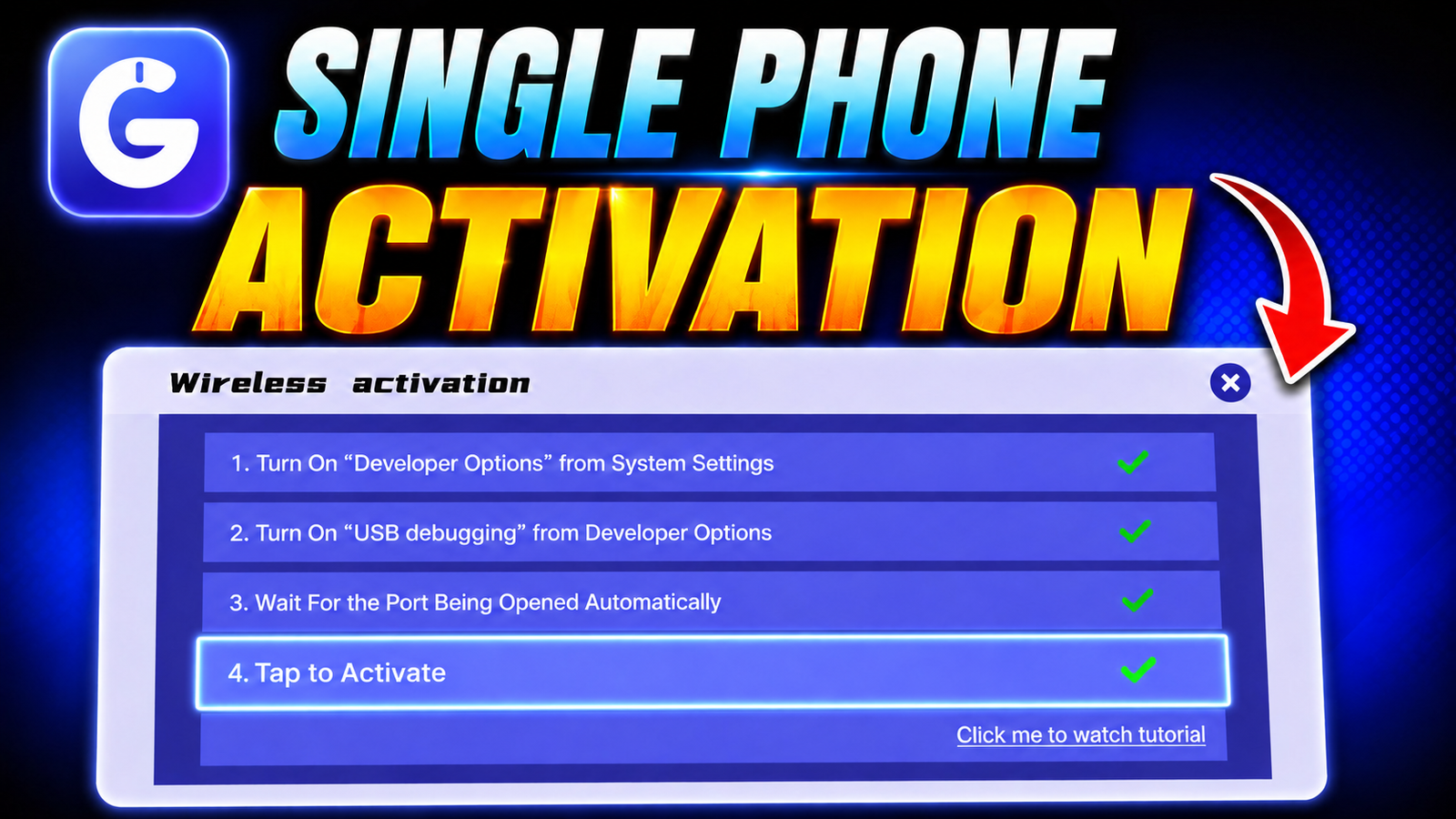
Explore GG Mouse Pro 3 Single Phone Activation

Learn how to activate GG Mouse Pro 3 using a single phone with this simple step-by-step tutorial. Follow the setup and get started with keyboard and mouse gaming on Android.

thumbnail2

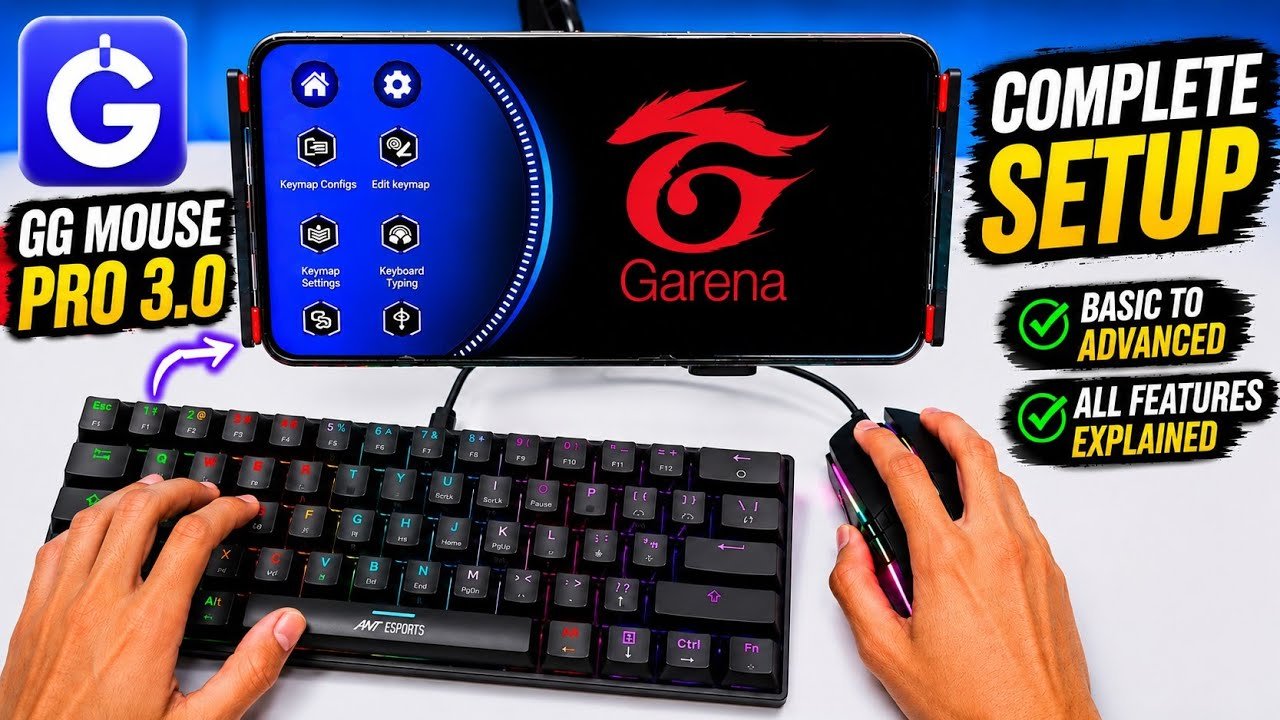
Explore GG Mouse Pro 3.0 Complete Setup

Want to set up GG Mouse Pro 3.0 from the beginning? This tutorial covers the basic setup and important features you need to get started. Follow along and configure GG Mouse Pro 3.0 for your Android gaming setup.

thumbnail3

GG Mouse Pro 3 Keymapping & Macro

Learn how to set up keymapping and macro settings in GG Mouse Pro 3 with this simple guide. Follow the video to configure your controls and get your setup ready for gaming.

Why Choose Mobilador X?

Mobilador X is exist for one simple reason: getting a keyboard and mouse working on an Android game can be confusing, especially when you are doing it for the first time. Most of the information available online is spread across different places and can be difficult to follow. We wanted to bring useful guides, keymaps, tutorials and other helpful information together in one place. Our goal is to keep everything simple and easy to understand, so you can find what you need without wasting time looking through different websites.

1. Updated content

Android keeps changing, and the steps that work today may not always work after a new update. Apps can also change their settings and features over time. We try to keep our guides updated so the information stays useful for current Android devices and apps. When we notice that something has changed, we update the guide instead of leaving old instructions that may confuse readers. Our aim is to keep the information on Mobilador X simple, clear and useful.

2. Beginner friendly

Our guides are written for everyone, including people who are completely new to keyboard and mouse gaming on Android. We try to explain everything in simple language without using unnecessary technical words or confusing instructions. Before sharing a guide, we first try the method ourselves and then explain the steps based on what we experienced. Whether you are setting up an app, using a keymap or trying a new gaming setup, we keep the information clear and easy to follow.

3. Easy tutorials

We share information in a simple way so you don't need to be an expert before following our guides. Before sharing a setup or method, we first try it ourselves and then explain it in a way that is easy to follow. We cover everything from basic setup and keymapping to tutorials and useful tips, without making things unnecessarily complicated. Our goal is to give you information that you can understand, follow and use without wasting time.

4. Tested recommendations

We only share gears that we have actually used and can talk about from real experience. When we recommend a keyboard, mouse or other gaming gear, we try to share what we liked as well as anything we didn't like. We don't want to recommend something just because it looks good or is popular. If a product link helps us earn a commission, we also make that clear so you know how the link works.

5. Clear step by step guides

We try to keep our guides simple and easy to follow instead of filling them with long paragraphs. Each guide explains the process step by step, so you can follow along without getting confused. We also add images when they make a step easier to understand. If there is a common problem during the setup, we try to explain the solution clearly so you can fix it without having to go through the whole guide again.

Recommended gear

Gears needs to become a Mobilador

5 in 1 Combo

5-in-1 keyboard and mouse combo for gamers who want simple controls, easy setup, and the essential gear needed for a comfortable gaming experience.

Check

Transformer Combo

Transformer RGB keyboard and mouse combo for gamers who want simple and comfortable controls. The box includes the keyboard & mouse combo.

Check

Mix Pro Converter Combo

Mix Pro 4-in-1 converter for gamers who want a pc like setup. It helps connect & controls and makes mobile gameplay easier to manage.

Check

Frequently asked questions

Ten quick answers for people starting out.

Mobilador X is a platform for keyboard and mouse gaming on mobile, offering keymaps, tutorials, guides, and useful information to help players get started easily.

Yes. With the right setup, you can play supported mobile games using a keyboard and mouse instead of touchscreen controls.

Activation is process which allows devices to play games with keyboard and mouse, and it is mandatory to do, so that each things work properly.

No Apps like GG Mouse Pro, K2er and Panda Mouse Pro Activation doesn't stays after restarting the phone, but Apps like Geek Gamer and Moowii Gaming doen't requires activation, because it uses Converters.

Usually Apps like GG Mouse Pro, K2er and Panda Mouse Pro including Converters are not responsible for account ban , because they are highly secure. But if rules and policy breaks, it chances to ban. Usually, nothing happens.

Usually, you don’t need an expensive keyboard and mouse for good gameplay. However, if you want better sensitivity and smoother mouse movement, a mouse with a good DPI range can make a difference.

Converters like Mix pro, M1 Pro don't need Activation , beacuse this Converters contains a Bluetooth system which directly allow users to play.

Usually, no. These apps are mainly designed to give mobile users a PC-style gaming experience. On PC, you can use software like BlueStacks 5 or GameLoop to run games such as Free Fire and use keyboard and mouse controls.

PC-Style gameplay is only possible in Android, because iOS does not allow third-party keymapping apps, so full PC-style control is not possible on iPhone today.

All guides, keymaps and HUD codes on this website are free. Some gear links are affiliate links, which means we may earn a small commission at no extra cost to you.